Less manual work
Orders flow automatically — fewer handoffs, fewer delays.


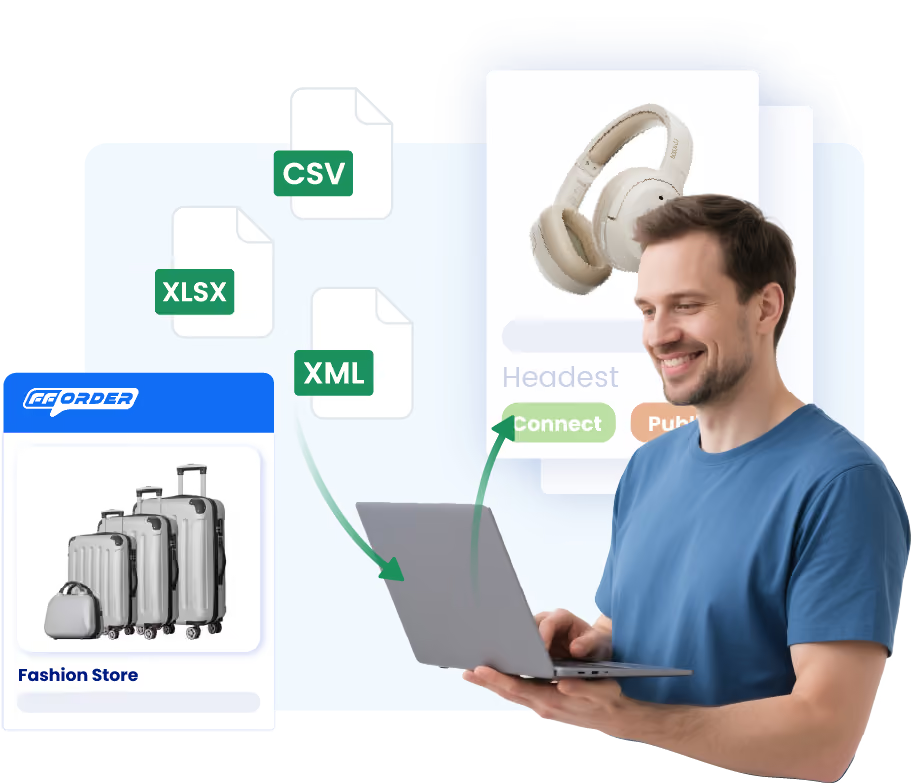
Connect WooCommerce to FFOrder to sync orders, inventory, and tracking — so procurement, fulfillment, logistics, and after-sales run as one controlled system.
Orders, inventory, tracking, and exceptions run as one system — less manual work, fewer surprises.
.avif)
Orders flow automatically — fewer handoffs, fewer delays.

Unified visibility reduces “in stock but not really” situations.

Tracking stays updated in WooCommerce — customers stay informed.
.avif)
After-sales follows rules, not ad-hoc decisions.
Connect once and keep your store and fulfillment aligned across every order.

Authorize your store and confirm the integration flow.

Align SKUs, shipping rules, and inventory logic.
Orders run through FFOrder fulfillment workflows.


Tracking pushes back; exceptions follow structured rules.
Replenishment planning and substitution matching.
Standardized pick—verify—pack—ship workflows.
Lane selection for stability and cost efficiency.
Structured handling for reships, refunds, and exceptions.

Common questions about connecting WooCommerce to FFOrder.